

In the fast paced world of housing options, social care, and employment support, time is the most valuable resource. Frontline staff often find themselves balancing complex caseloads with rigorous reporting requirements for commissioners and regulators.
At CDPSoft, we are committed to helping our partners work more effectively. While we are heavily investing in the future of service delivery through our AI integration roadmap, there are many quick win digital shortcuts available right now on your existing devices.
This guide outlines 15 practical tips to help teams across the UK, from local authority housing departments to national charities, streamline their daily workflows.
Note: Always consult your internal IT department before adjusting system settings to ensure compliance with your organisation’s security and data protection policies.
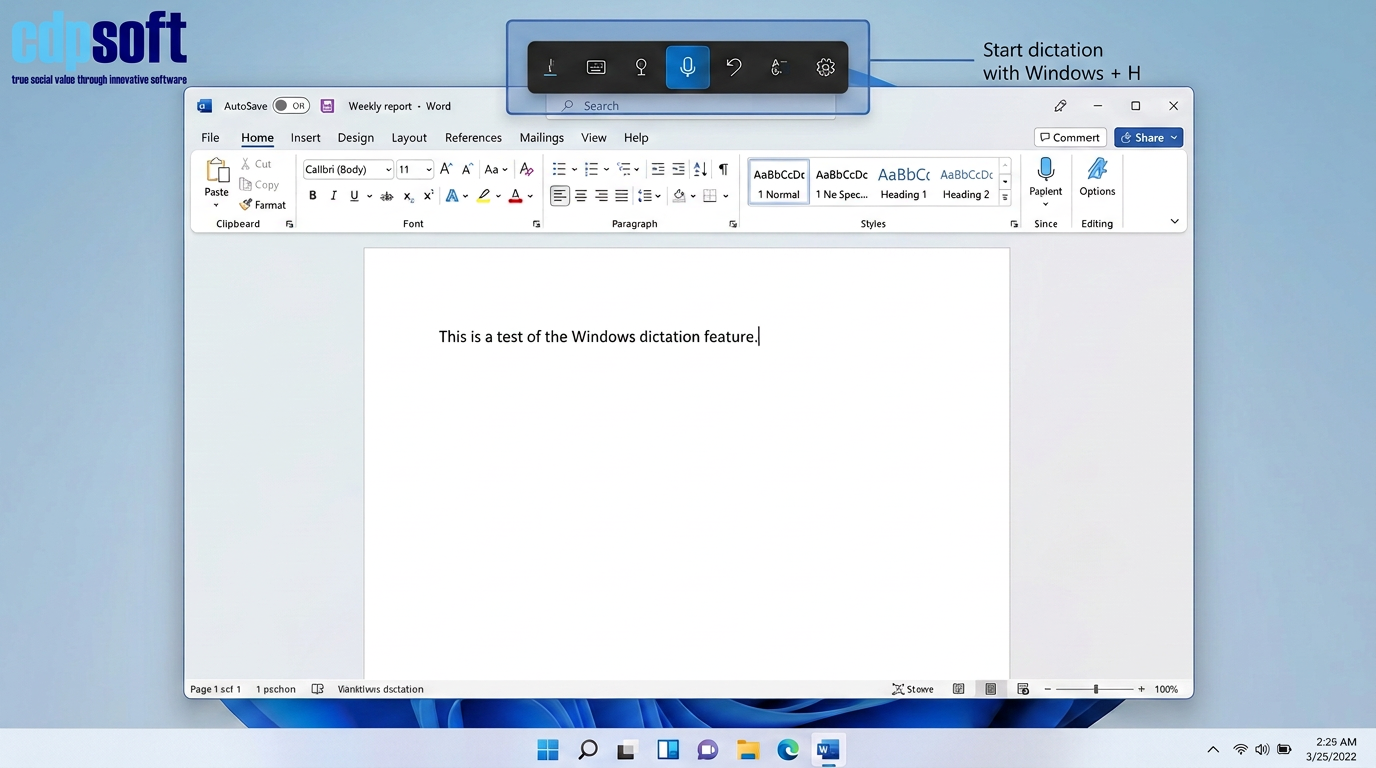
Dictate Case Notes with Speech to Text (Windows + H)
Capturing detailed case notes after a home visit or sensitive interview can be time consuming. Instead of typing, use your voice. On a Windows device, press Windows + H to open the dictation toolbar. This allows you to speak directly into CDPSoft, Word, or Outlook, converting your speech to text in real time.
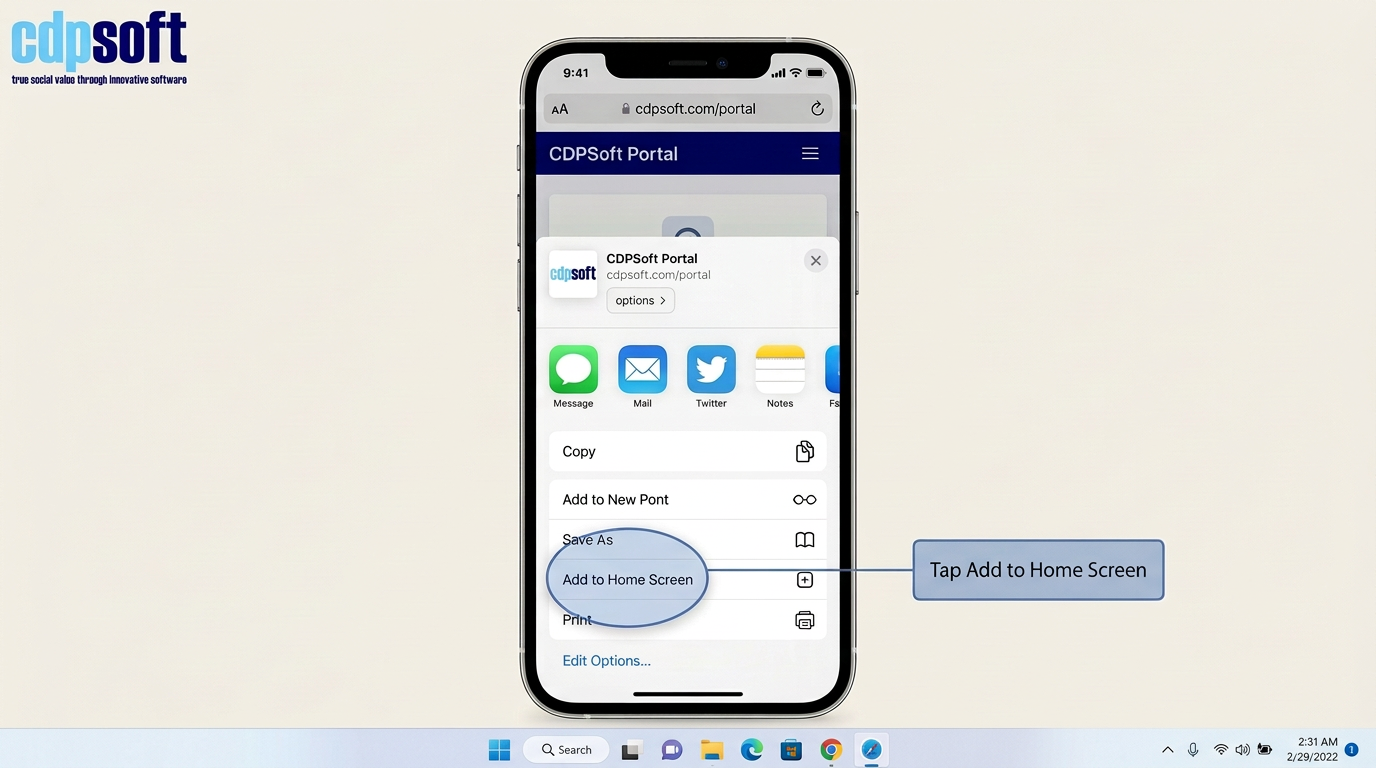
Create Home Screen Widgets for Key Portals (iPhone/iPad)
If you frequently access a specific CDPSoft portal or a local authority dashboard, you can turn it into a home screen icon. In Safari, navigate to the site, tap the Share icon (square with up arrow), and select Add to Home Screen. This provides one tap access, saving you from searching through bookmarks.
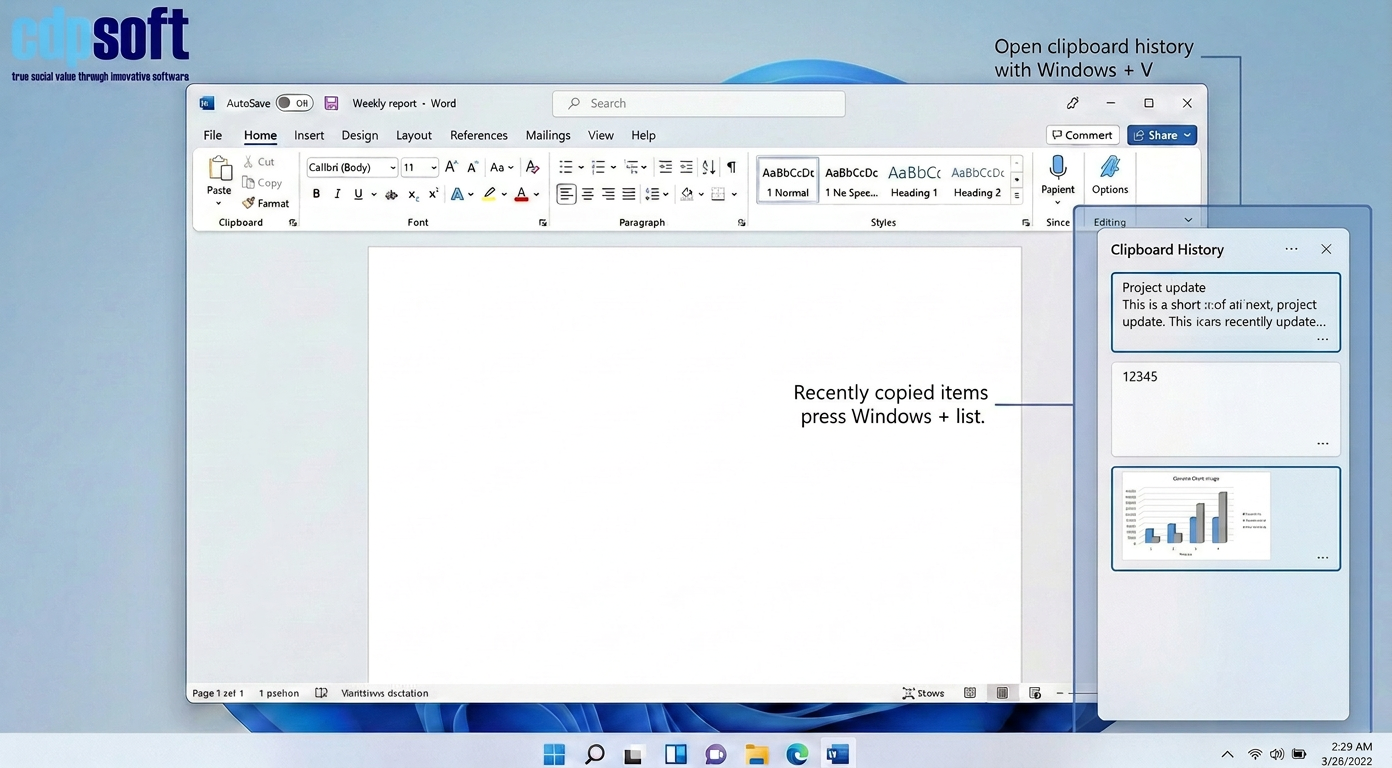
Master Your Clipboard History (Windows + V)
Stop the copy paste switch repeat cycle. Windows can remember multiple items you have copied. Press Windows + V to open your clipboard history. You can then select from a list of recently copied text or images to paste exactly what you need into your reports or commissioner returns.
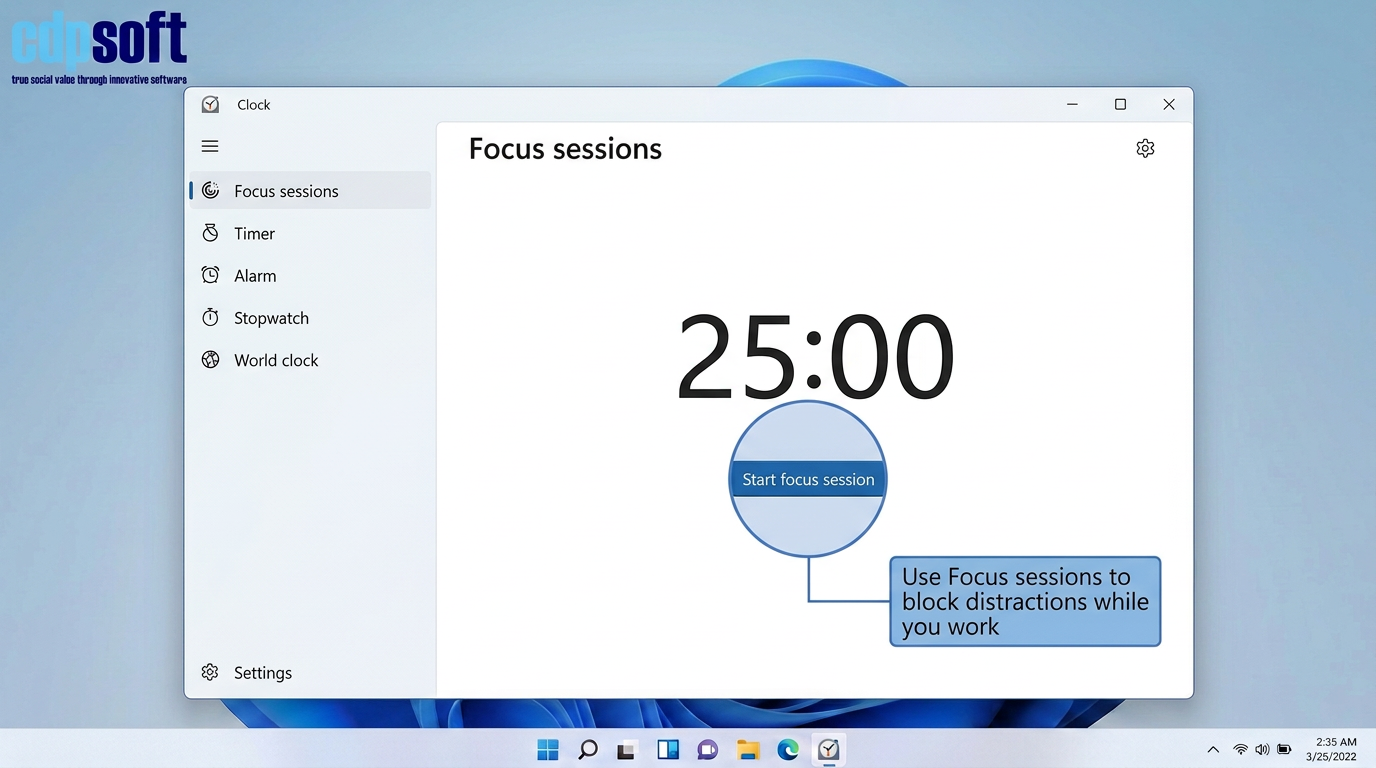
Use Focus Sessions for Deep Work
Complex tasks like safeguarding reviews or IPS fidelity audits require total concentration. The Windows Clock app features Focus sessions that silence notifications and set a timer for deep work. This is an excellent way to clear administrative backlogs without constant email interruptions.
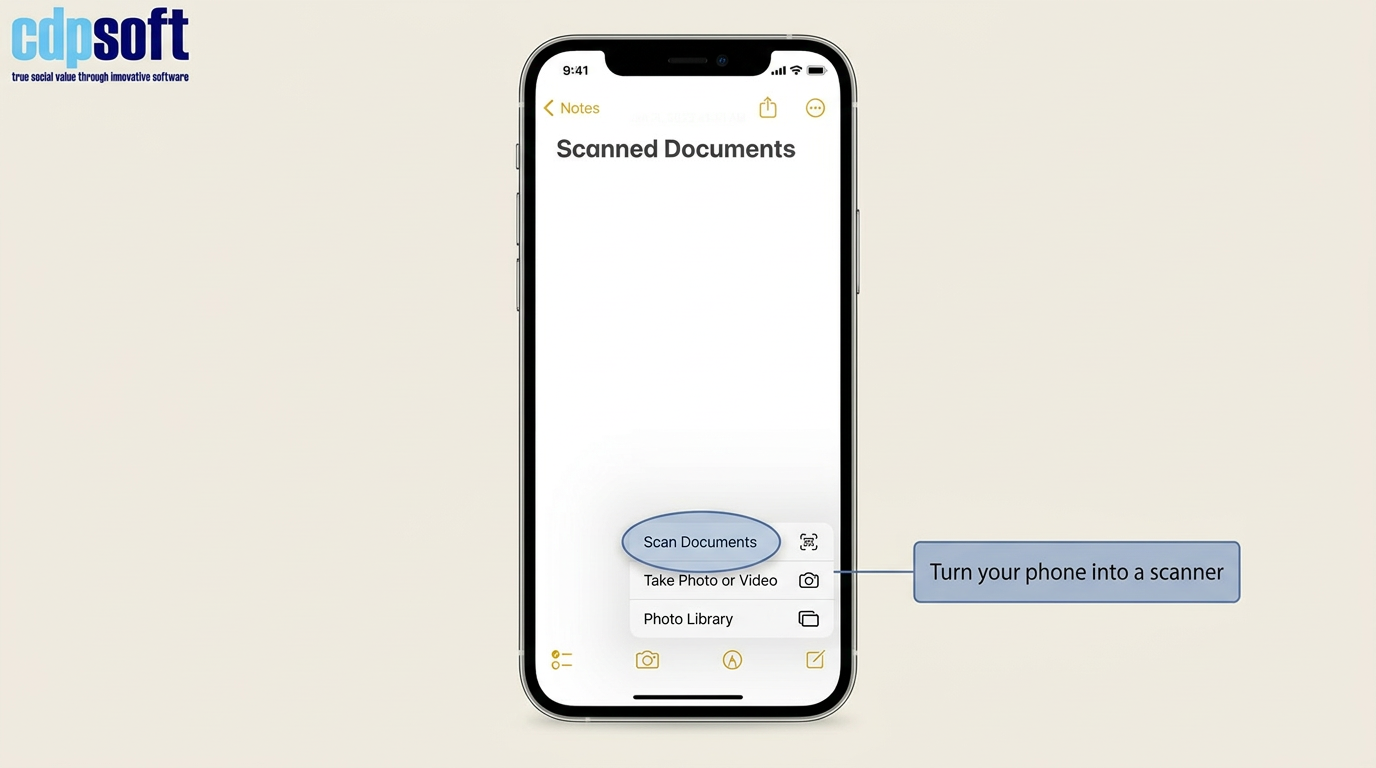
Scan Documents Directly to PDF via Mobile
Outreach workers and visiting officers often need to digitise paper evidence on the go. On an iPhone, open the Notes or Files app, tap the camera icon, and select Scan Documents. It automatically crops and straightens the page, creating a professional PDF ready for upload to your case management system.
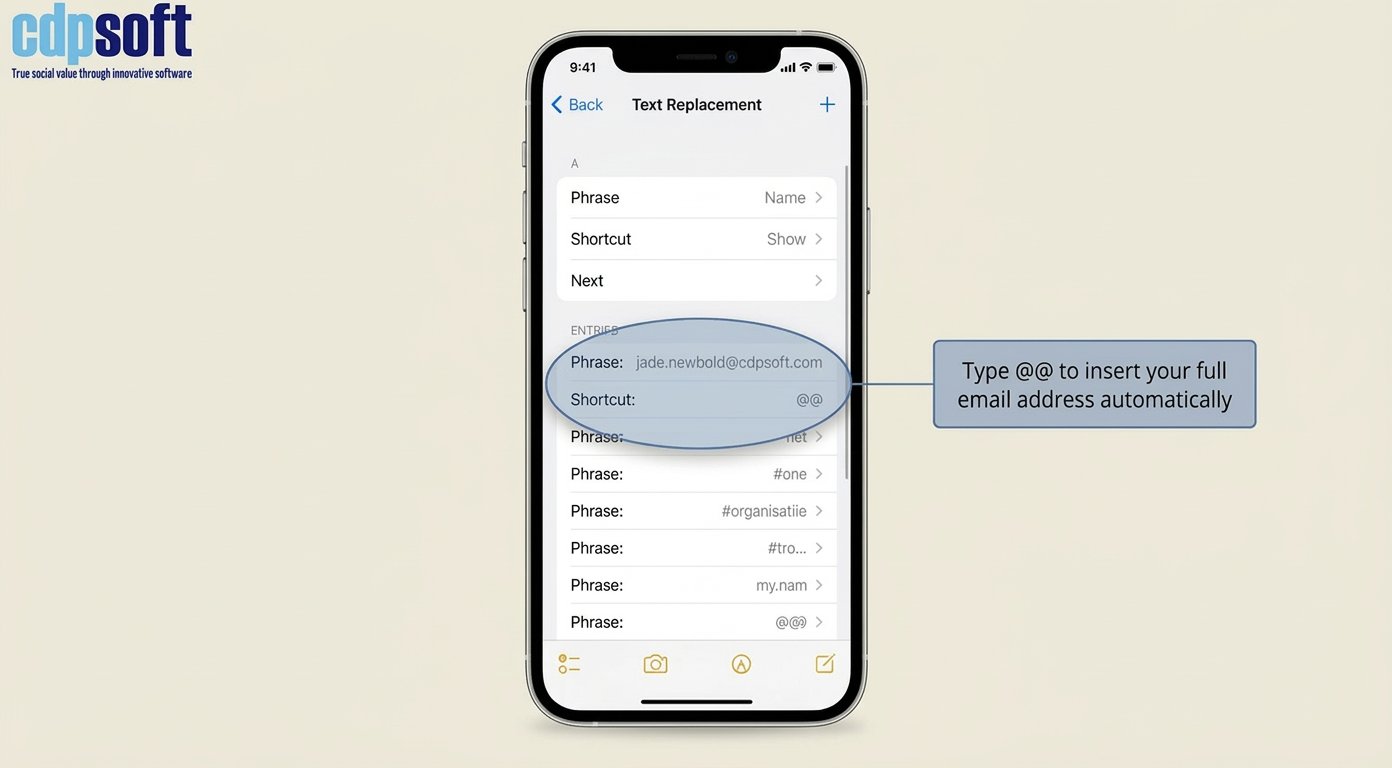
Set Up Text Replacement for Common Phrases
Tired of typing long email addresses or standard legal disclaimers? On iPhone, go to Settings > General > Keyboard > Text Replacement. You can set a shortcut like @@ to automatically expand into your full professional email address or a standard consent statement.
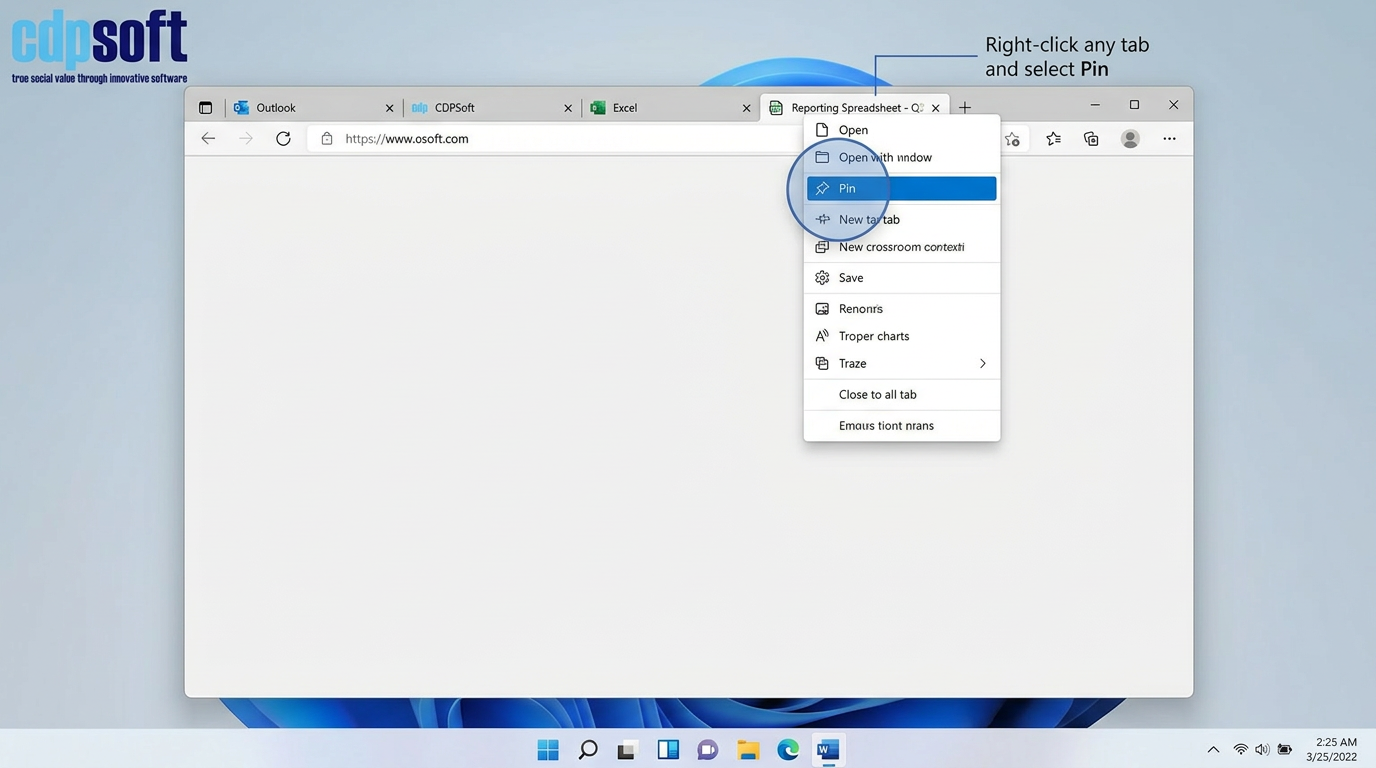
Pin Your Most Important Browser Tabs
If you keep your email, CDPSoft, and a reporting spreadsheet open all day, pin them. Right click the tab in Edge or Chrome and select Pin. This moves the tab to the far left and prevents it from being closed accidentally, keeping your essential tools always within reach.
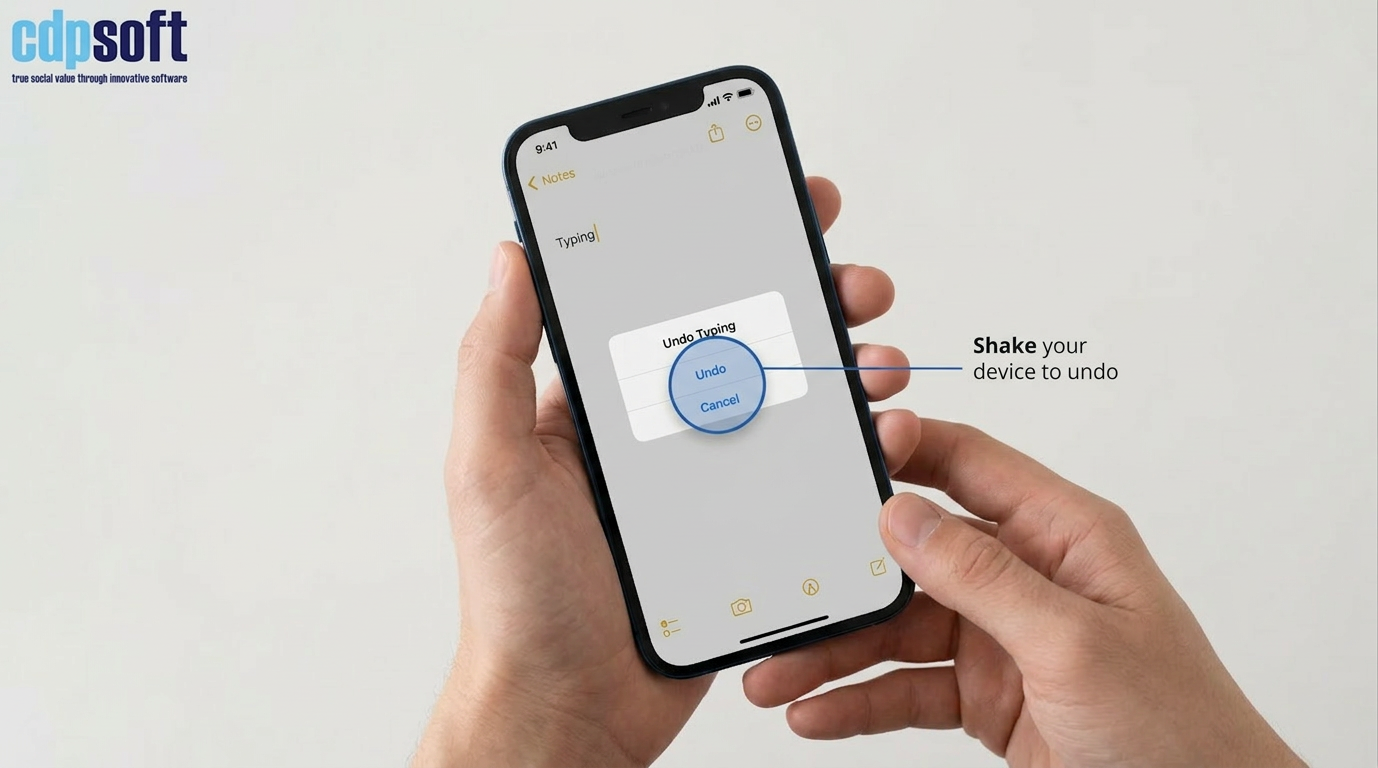
Use Shake to Undo on Mobile Devices
If you accidentally delete a long sentence while typing a note on your phone or tablet, do not panic. A quick physical shake of the device will prompt an Undo message, allowing you to restore the text instantly without retyping.
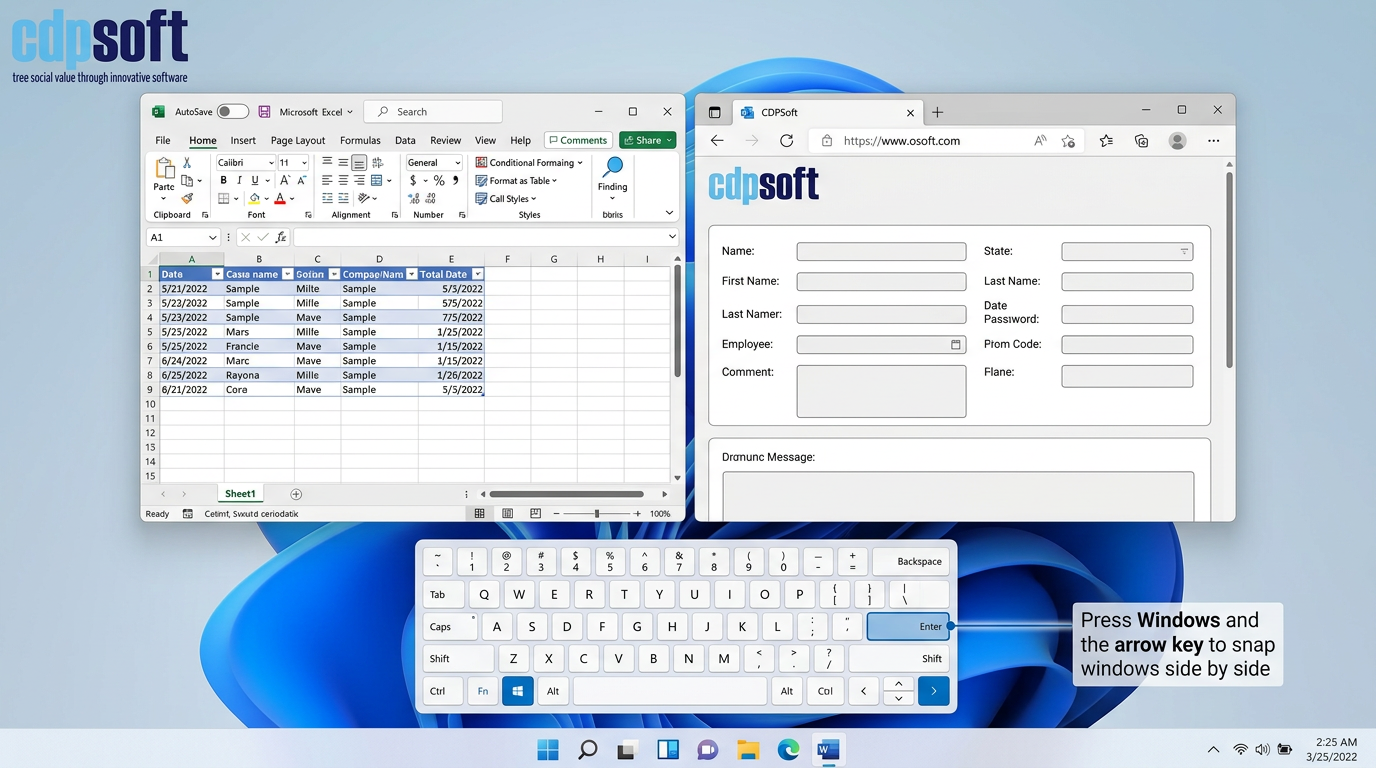
Snap Windows Side by Side for Data Entry (Windows + Arrow Keys)
When transferring data from a spreadsheet into a CDPSoft form, use Snap Layouts. Hold the Windows key and press the Left or Right arrow. This perfectly splits your screen between two windows, eliminating the need to constantly toggle back and forth.
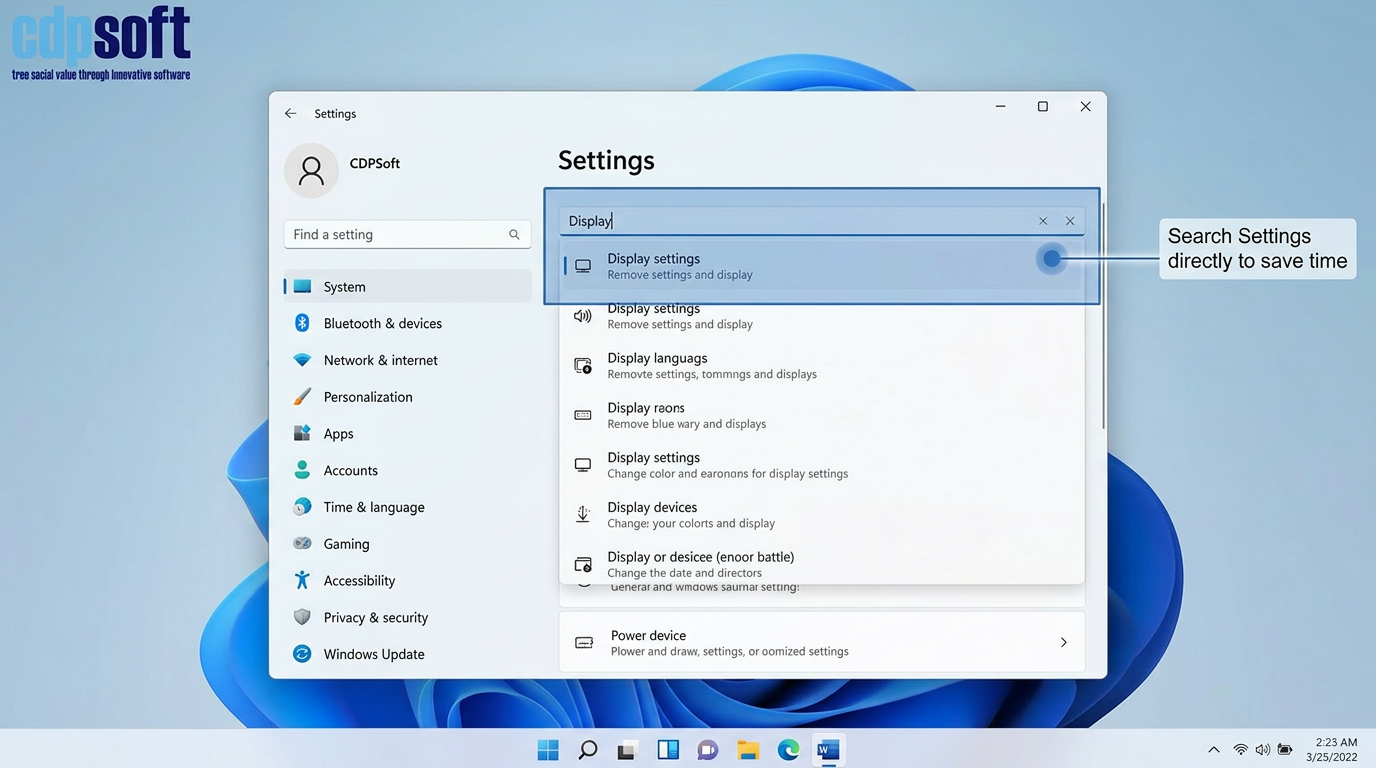
Search Your Settings Instantly
Do not waste time digging through menus to find a specific setting like Display or Printers. Both Windows and iOS have a search bar at the top of their Settings menus. Type what you need, and the system will take you directly there.
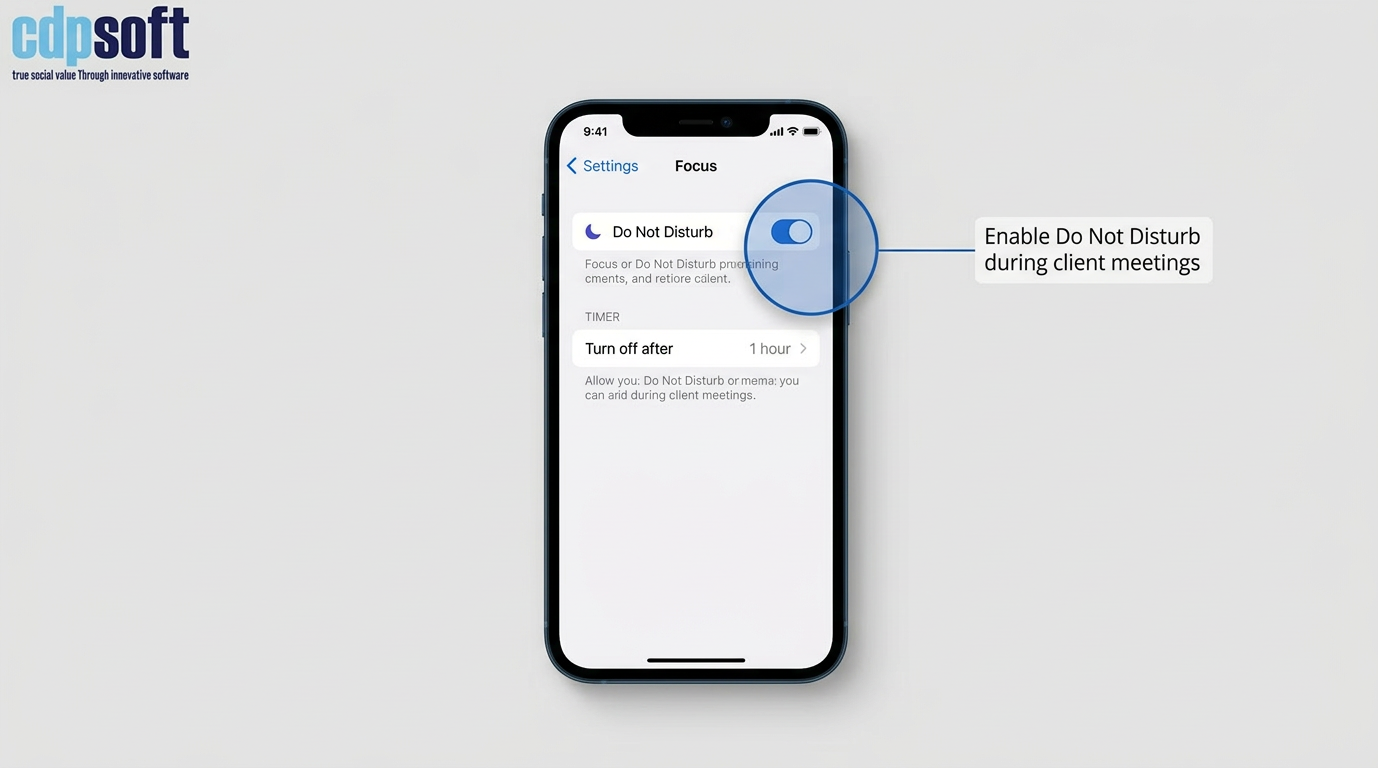
Use Do Not Disturb During Client Meetings
To ensure a client has your full attention during an assessment, use the Do Not Disturb or Focus mode on your phone. You can set it to turn off automatically after one hour or when you leave your current location, ensuring you do not miss important calls later.
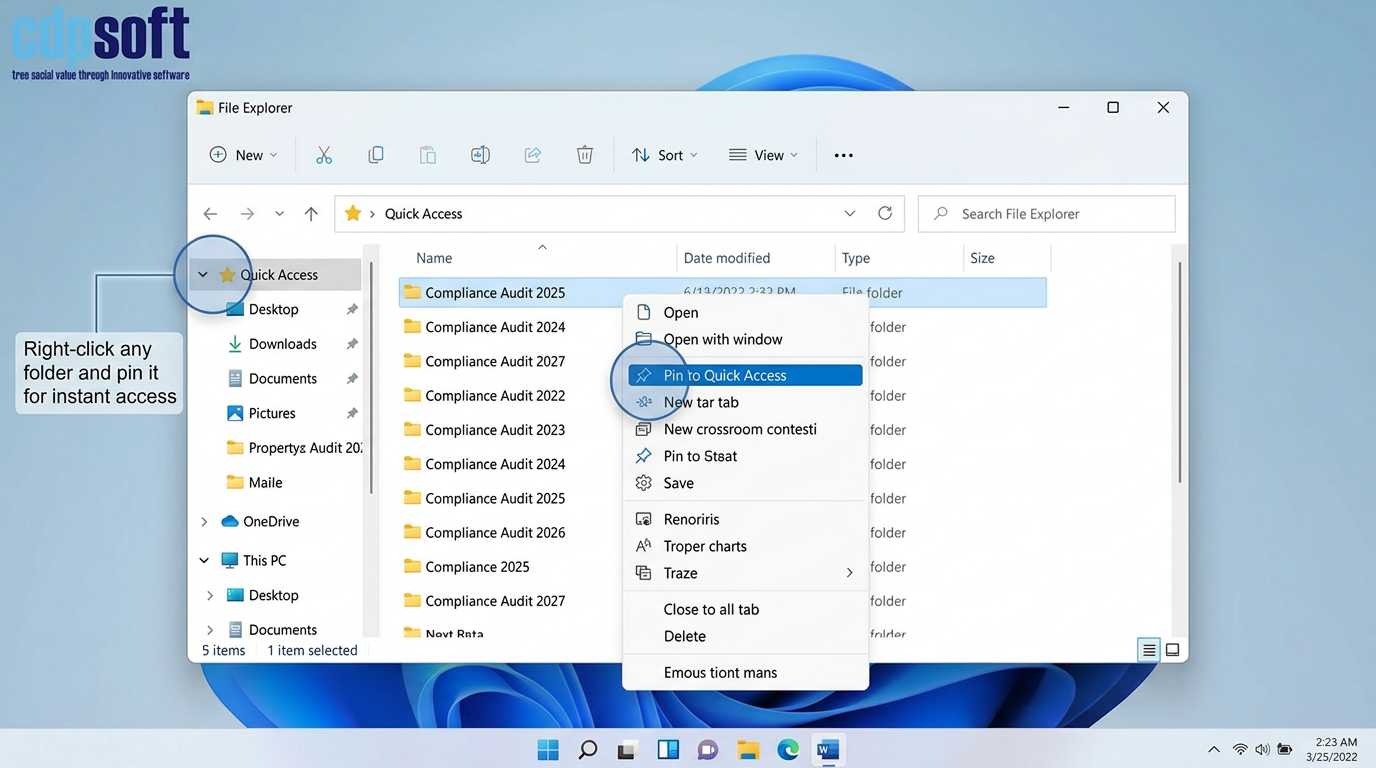
Leverage Quick Access in File Explorer
If you are working on a specific project, such as an Awaab’s Law compliance audit, pin that folder to your Quick Access list in Windows File Explorer. Right click the folder and select Pin to Quick Access to keep it at the top of your sidebar.
Use Keyboard Shortcuts for Fast Navigation
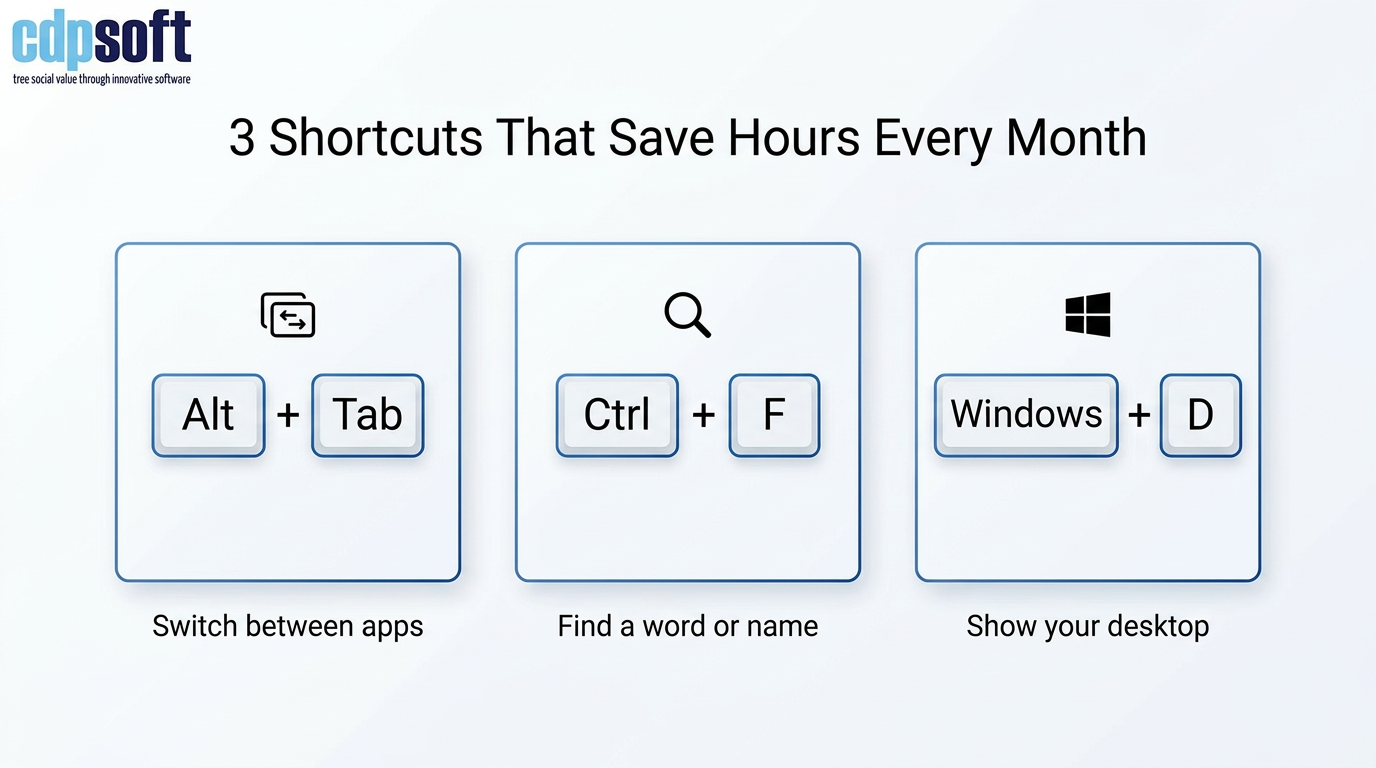
Learning just three shortcuts can save hours over a month:
Windows + D: Instantly hide all windows and show your desktop.
Alt + Tab: Quickly switch between open applications.
Ctrl + F: Find a specific word or name within a long case file or webpage.
Use Email Rules to File Routine Messages Automatically
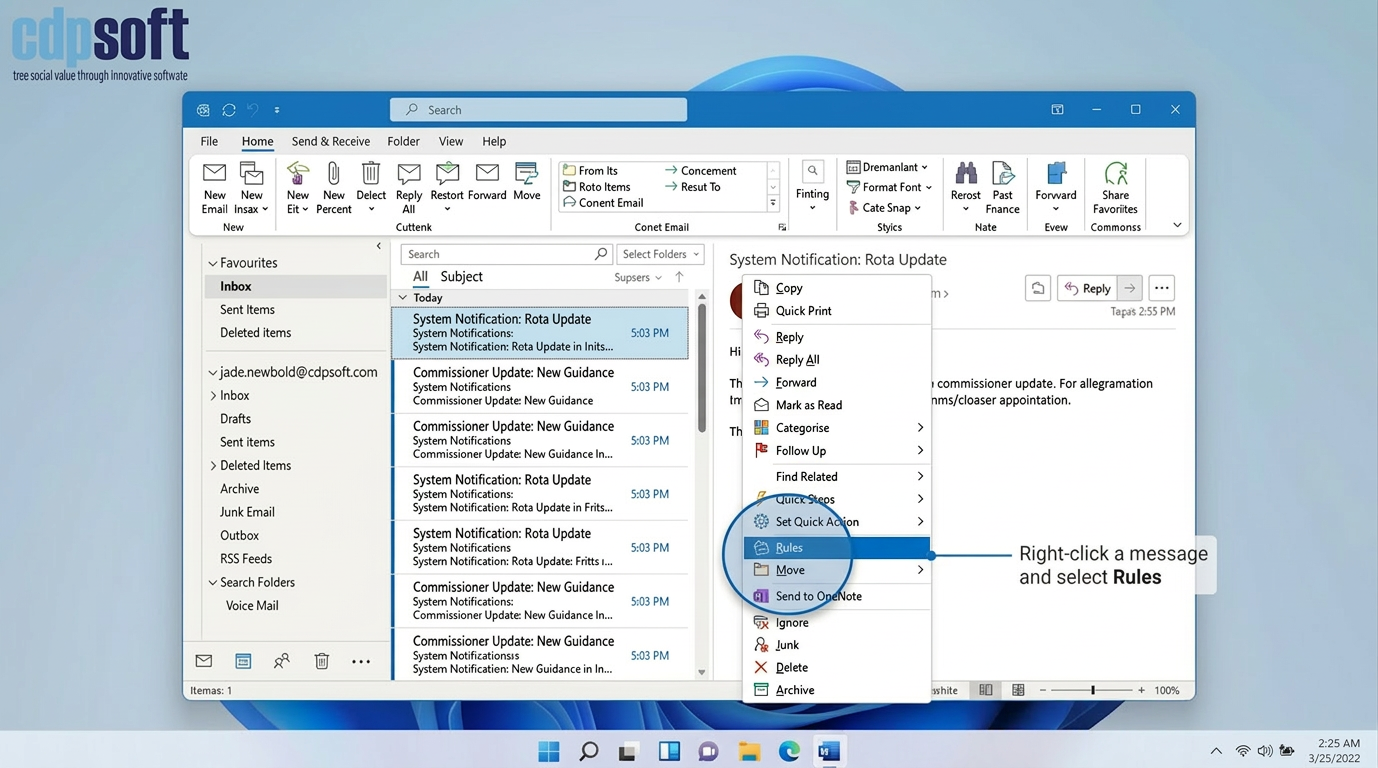
Many inboxes in housing, care, and employment services fill up with routine notifications such as system alerts, booking confirmations, or standard commissioner messages. Outlook rules can automatically file these into folders so that your main inbox is reserved for work that needs attention.
How to use it:
- In Outlook, right click a message that you receive regularly, for example a system notification or rota email.
- Select Rules then Create Rule.
- Choose conditions such as From or Subject contains.
- Tick Move the item to folder and select or create a folder such as System notifications or Commissioner updates.
- Apply the rule to existing messages if helpful.
Over time this keeps your inbox clearer, reduces the risk of missing important client emails, and makes it easier to review batches of similar messages in one go.
Save and Reuse Custom Search Filters
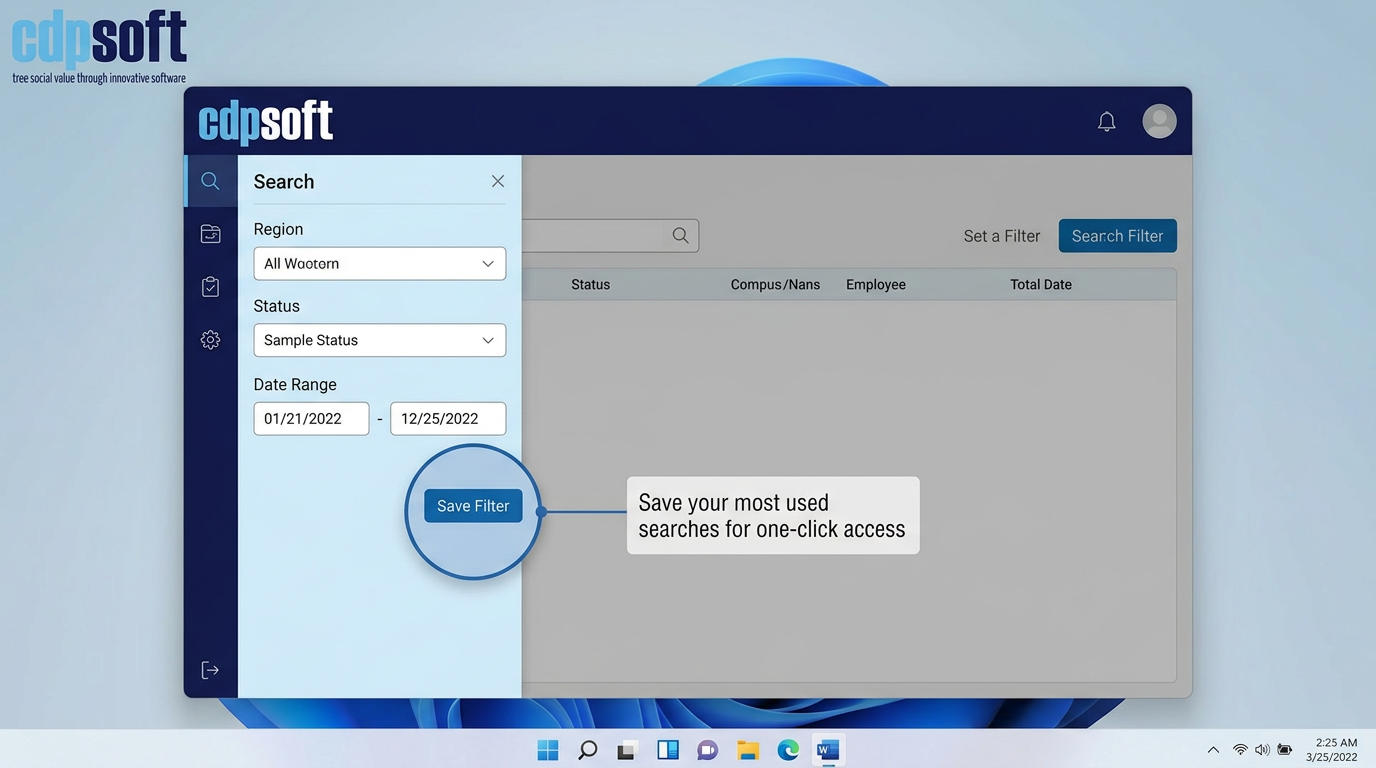
In CDPSoft, many modules allow you to save specific search criteria. If you regularly check for Open Referrals in North Region or Pending Void Inspections, save that filter. This allows you to generate the list you need with one click every morning.
These small adjustments, when adopted across a team, can significantly reduce the administrative burden on frontline staff. This efficiency is at the heart of what we do at CDPSoft. Whether it is through these simple tips or our focused customer webinars, our goal is to provide the tools that allow you to focus on what matters most: supporting your clients.
If you found these tips helpful, please share this article with your team.